A coffee journal · Public beta on iPhone
Journal your coffee.
Keep it private.
Share what you want.
Write down what you brew: the bag, the brewer, the recipe, how it tasted, what you would change. Private until you say otherwise. Share a brew, follow a few friends, or keep the whole thing to yourself.
Free on iPhone through TestFlight. Your journal is on the web too, so you can start right here.
Why it exists
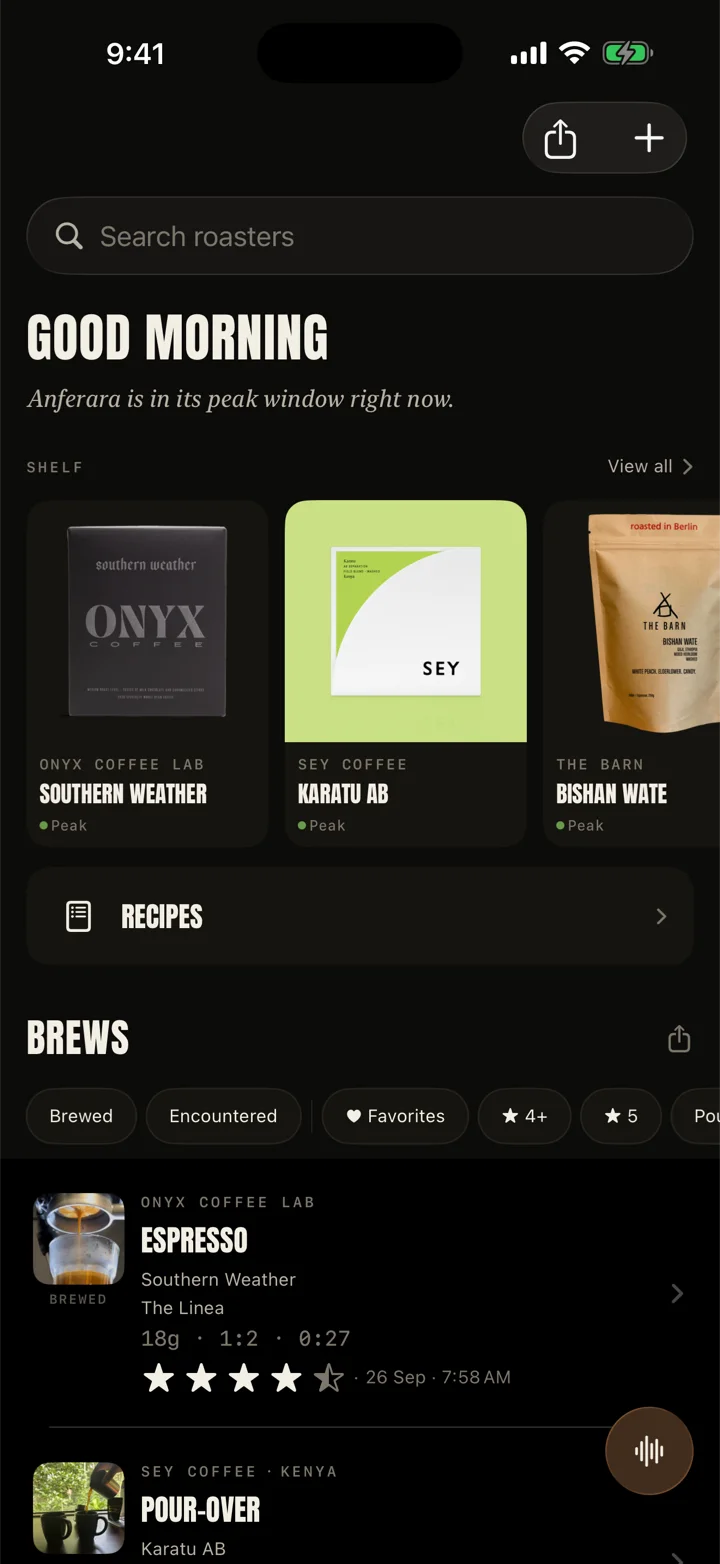
I was a pour-over and AeroPress person for years. Then I bought an espresso machine, five bags of coffee, and a notebook that could not keep up with grind sizes, doses and shot times. Reveries started as the app I needed to remember what I did and make the next cup better.
Vishal, who built it · Read the full note →
Your kit
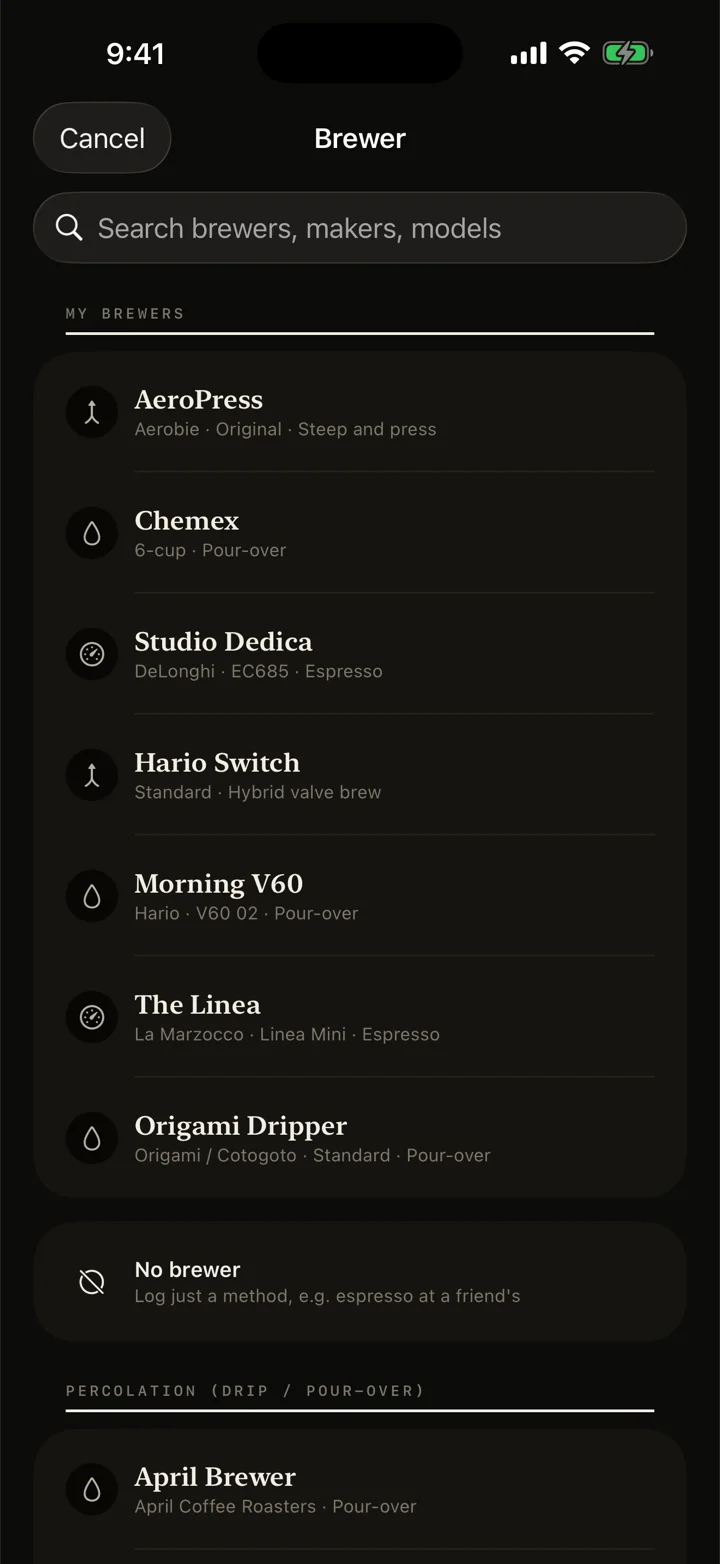
Start with the brewer you own.
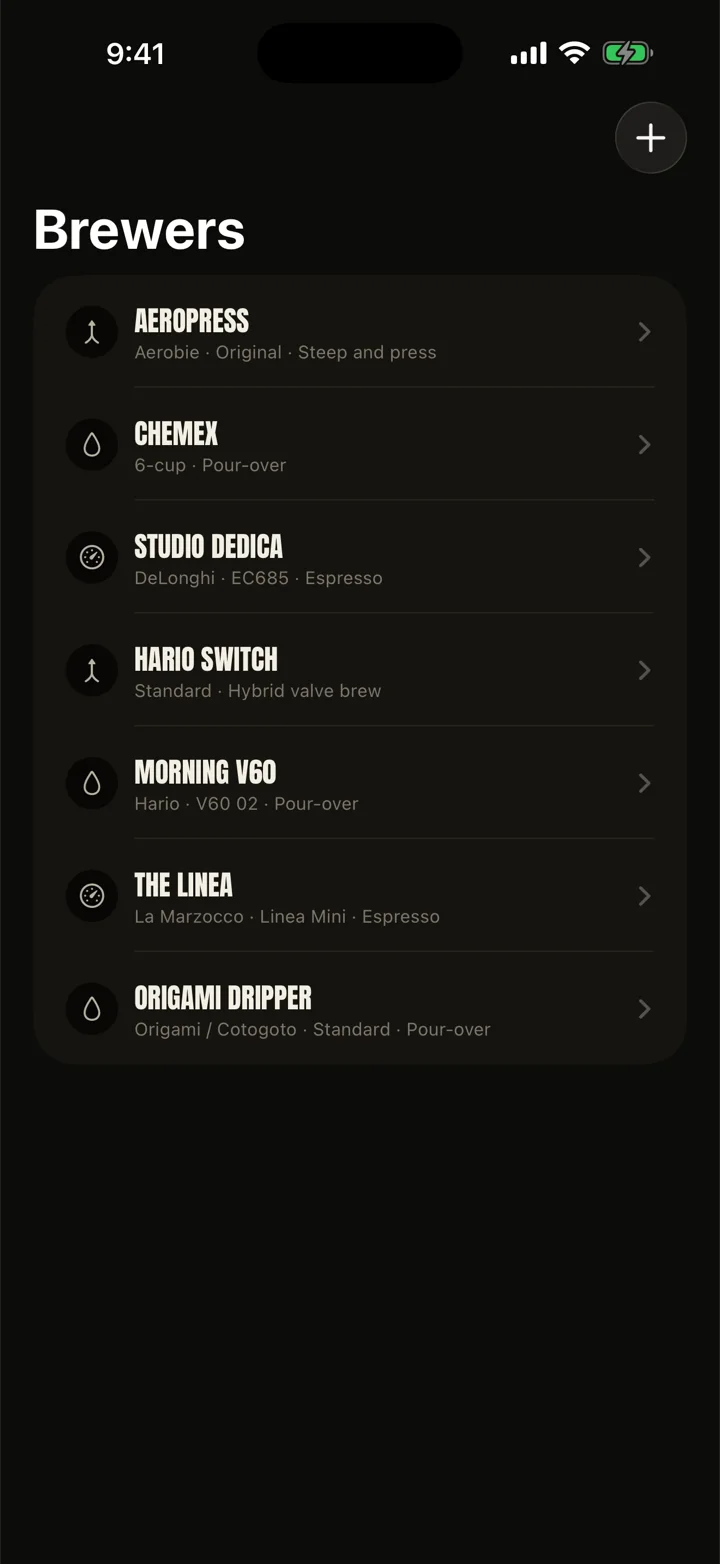
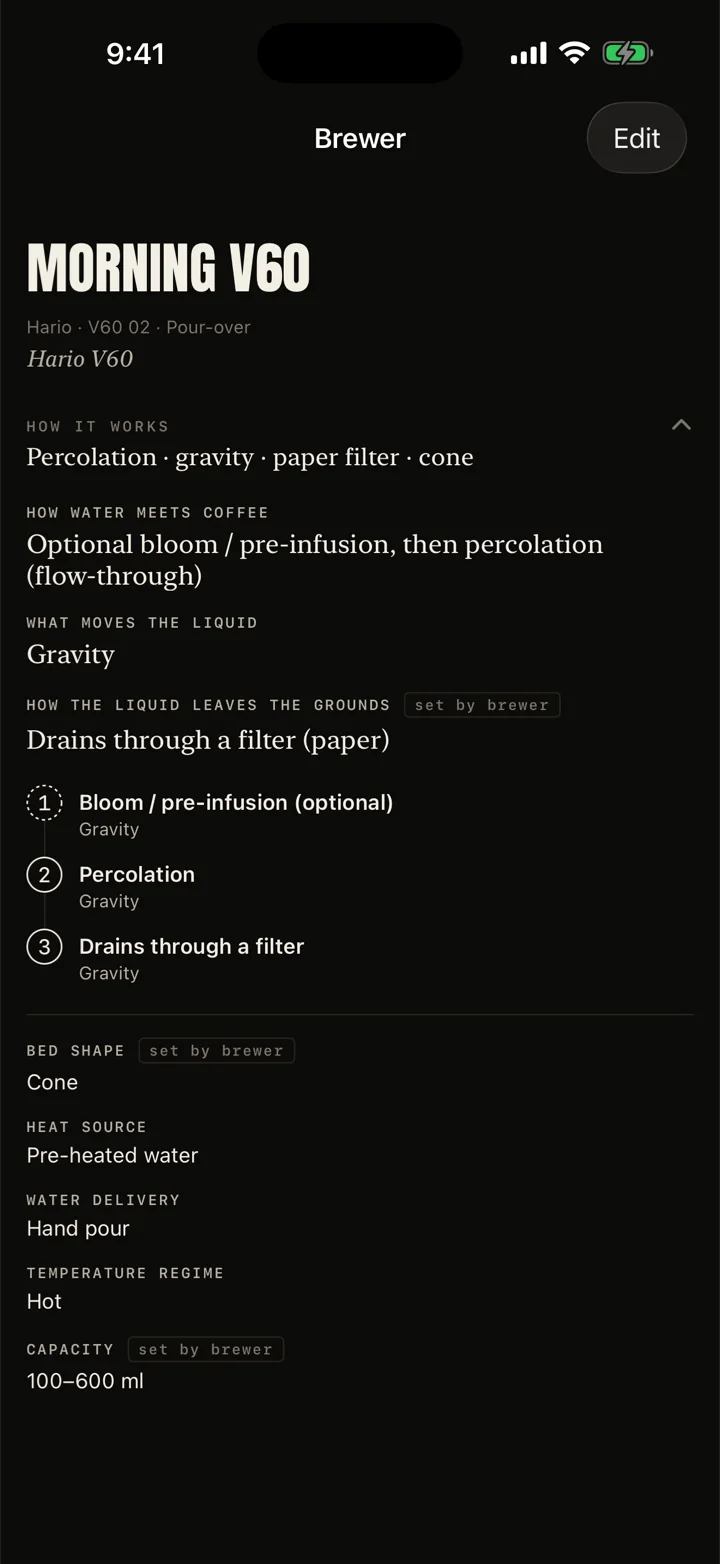
Add your gear from a catalog of real brewers, or add your own. Reveries knows what each one needs: shot settings for an espresso machine, pours for a V60, the press for an AeroPress. Give it a nickname if you like. Tap How it works on any brewer to see how it actually makes coffee.
Mornings
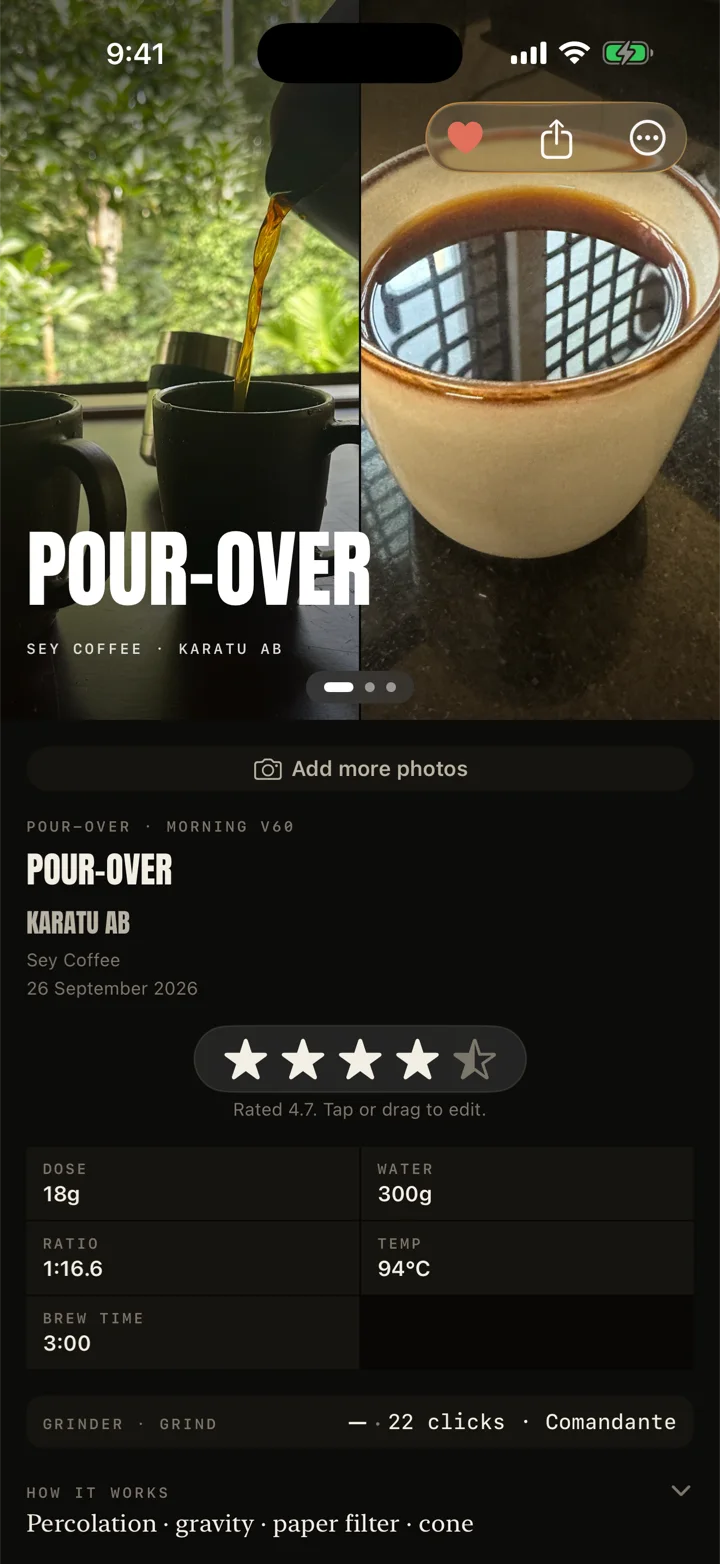
Every cup, written down.
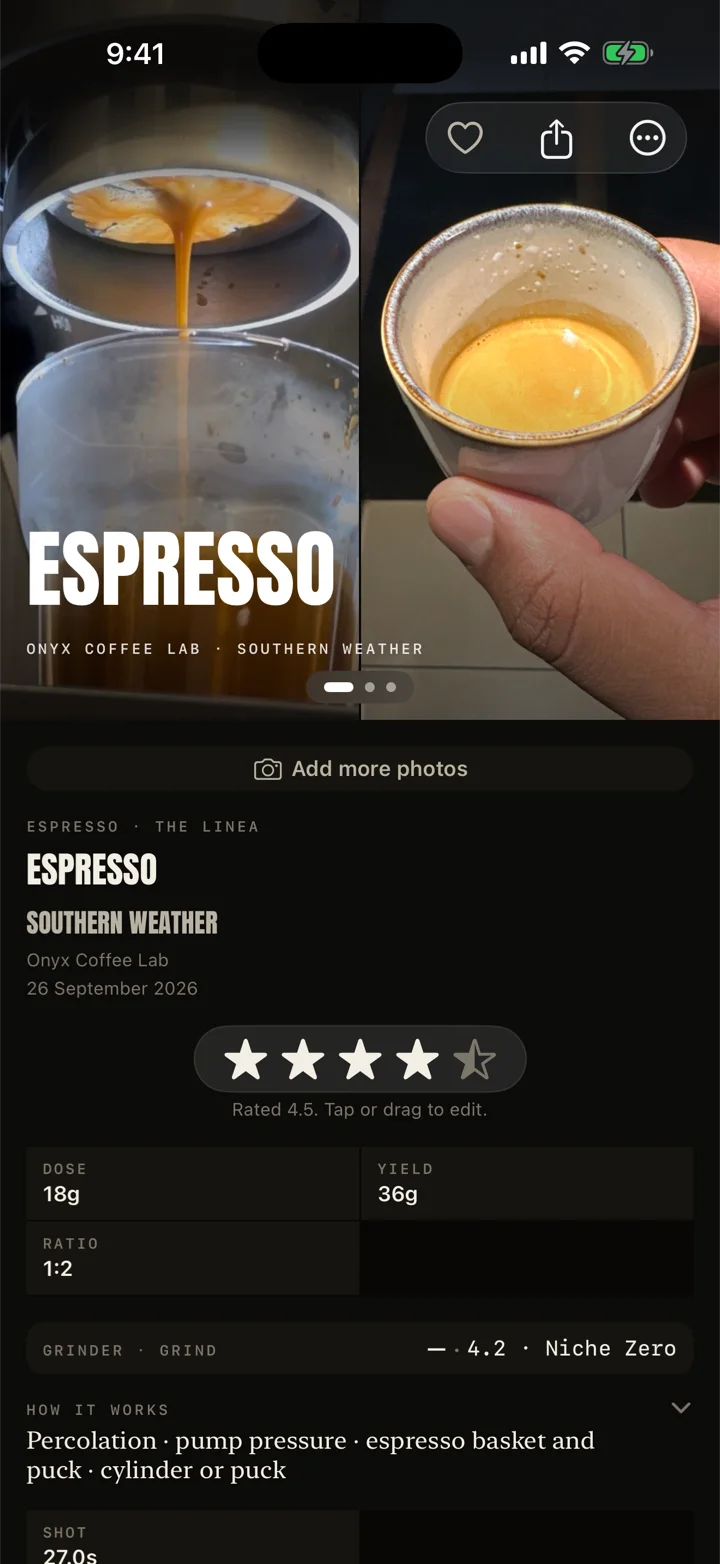
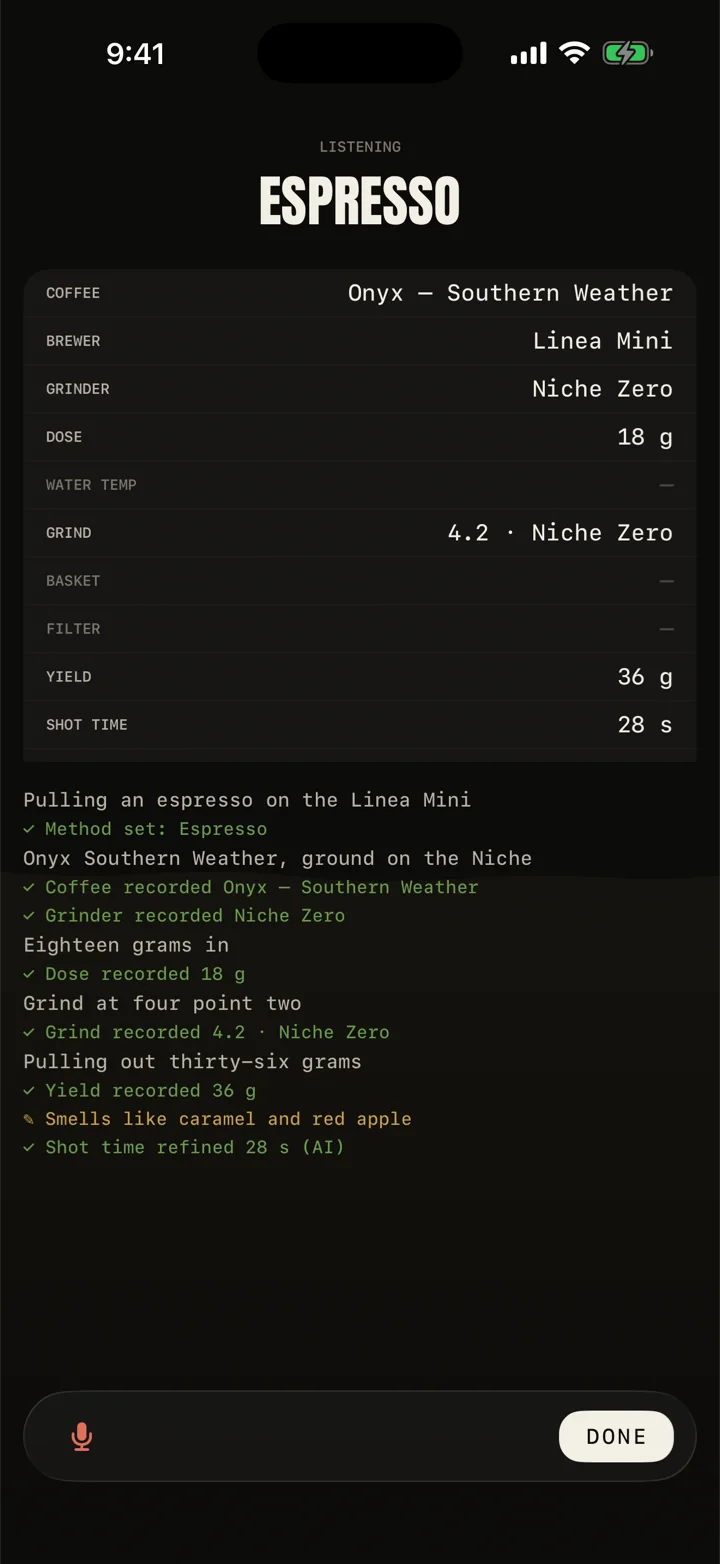
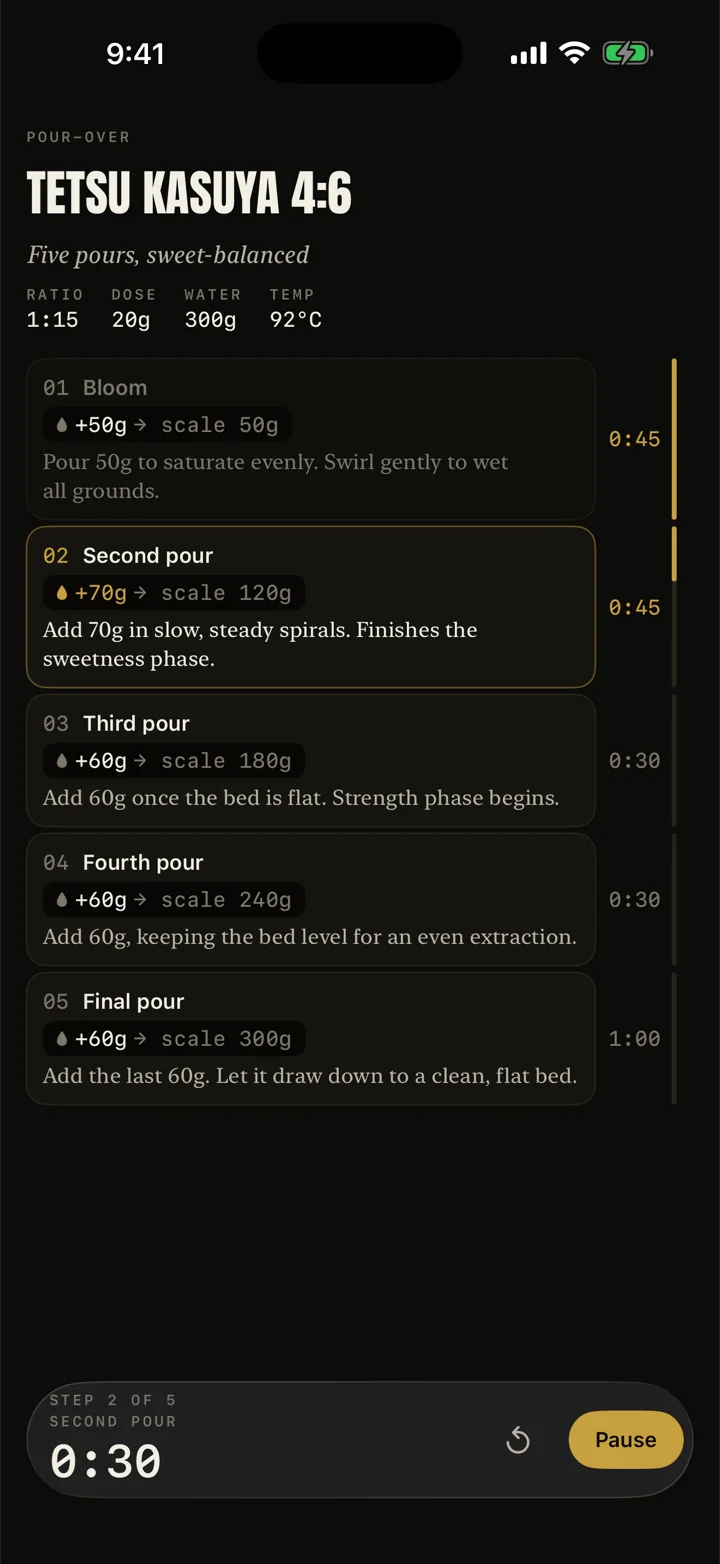
Log it afterwards in a few taps, talk while you pour and let Reveries pick out the numbers, or run a recipe live with pour cues and a timer. Add a photo. Rate it on the things that matter for that method, so an espresso and a pour-over are never judged the same way.
The shelf
Remember the coffees that earned it.
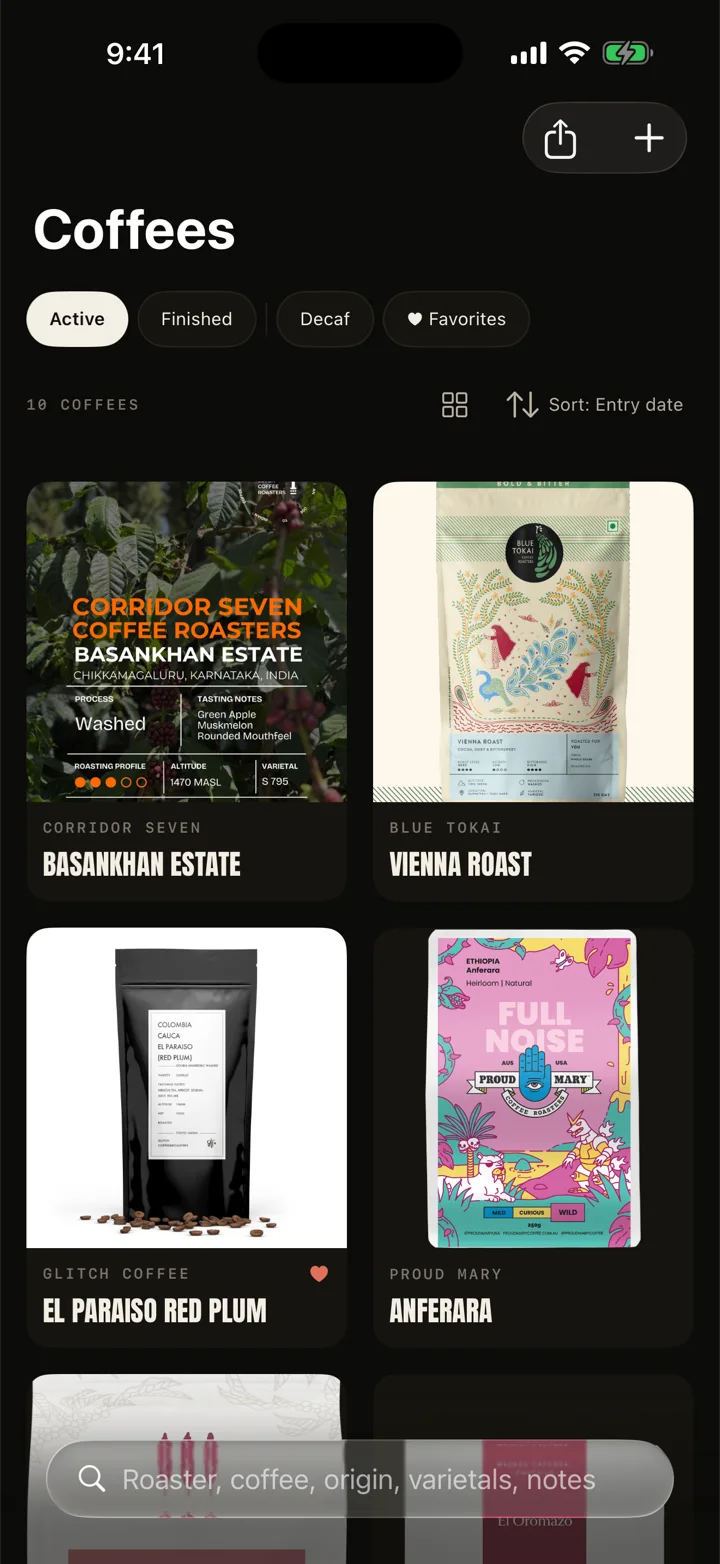
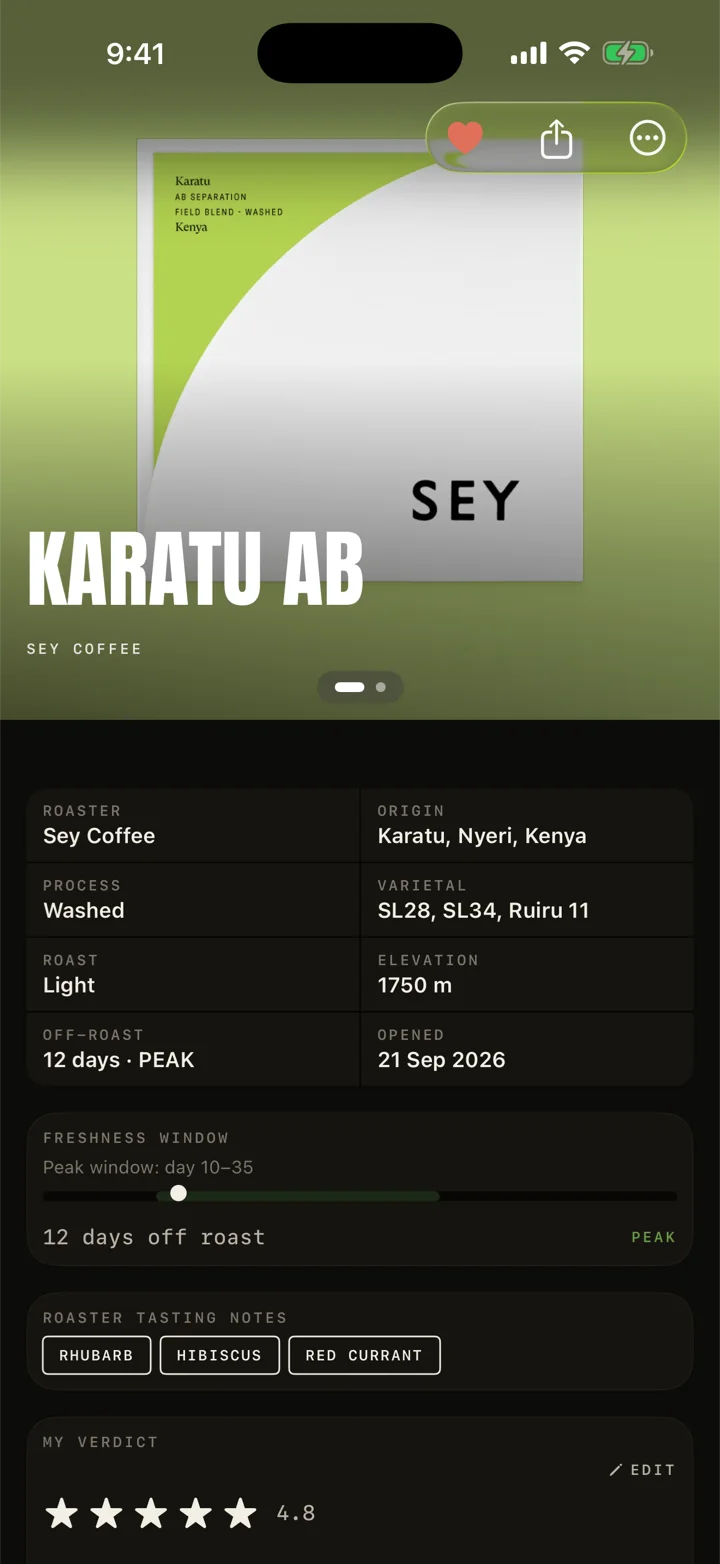
Every bag you open, with the roaster, origin, process, roast date and how fresh it is right now. Your rating and a few words of review. When a coffee is gone, it stays in your journal, so the next time you see that farm on a label you will know.
Insights
What the notebook adds up to.
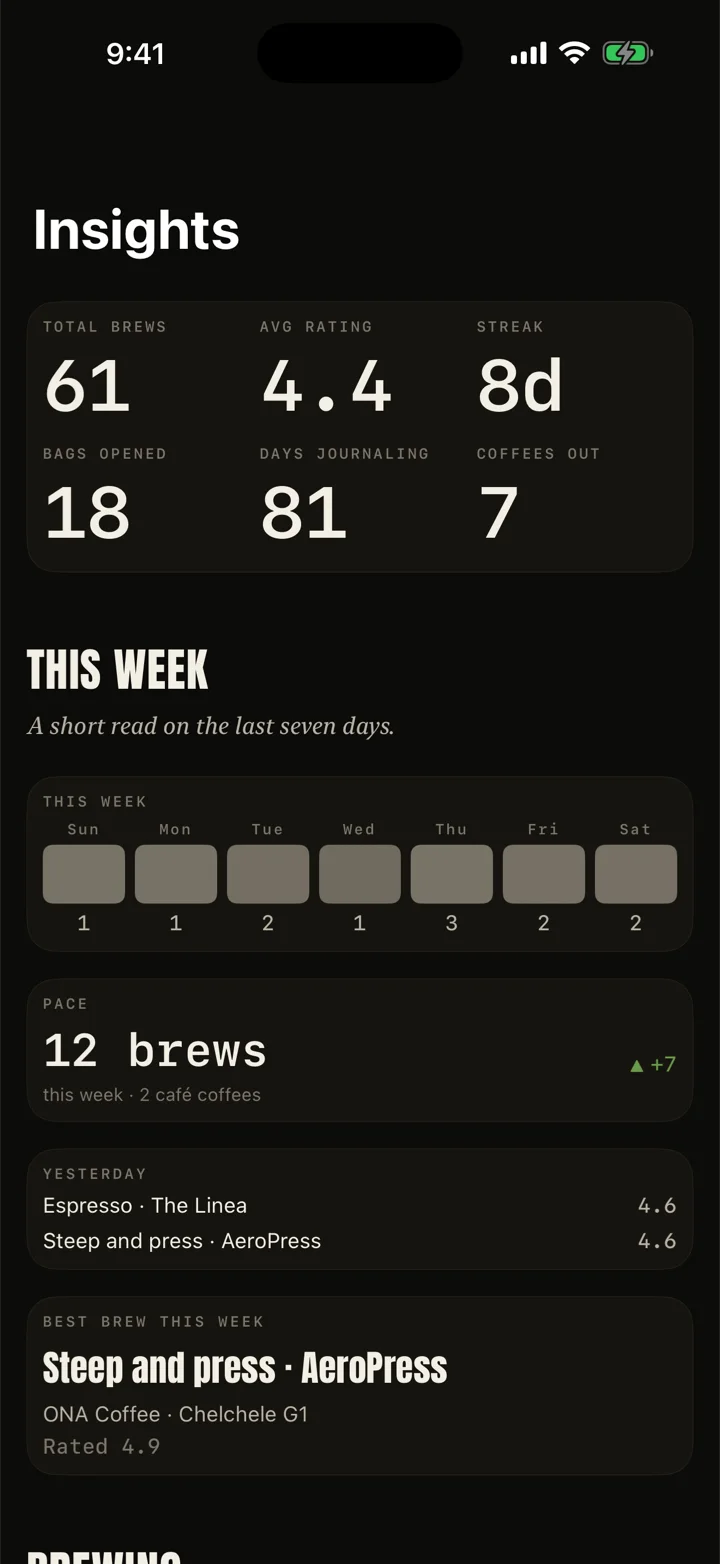
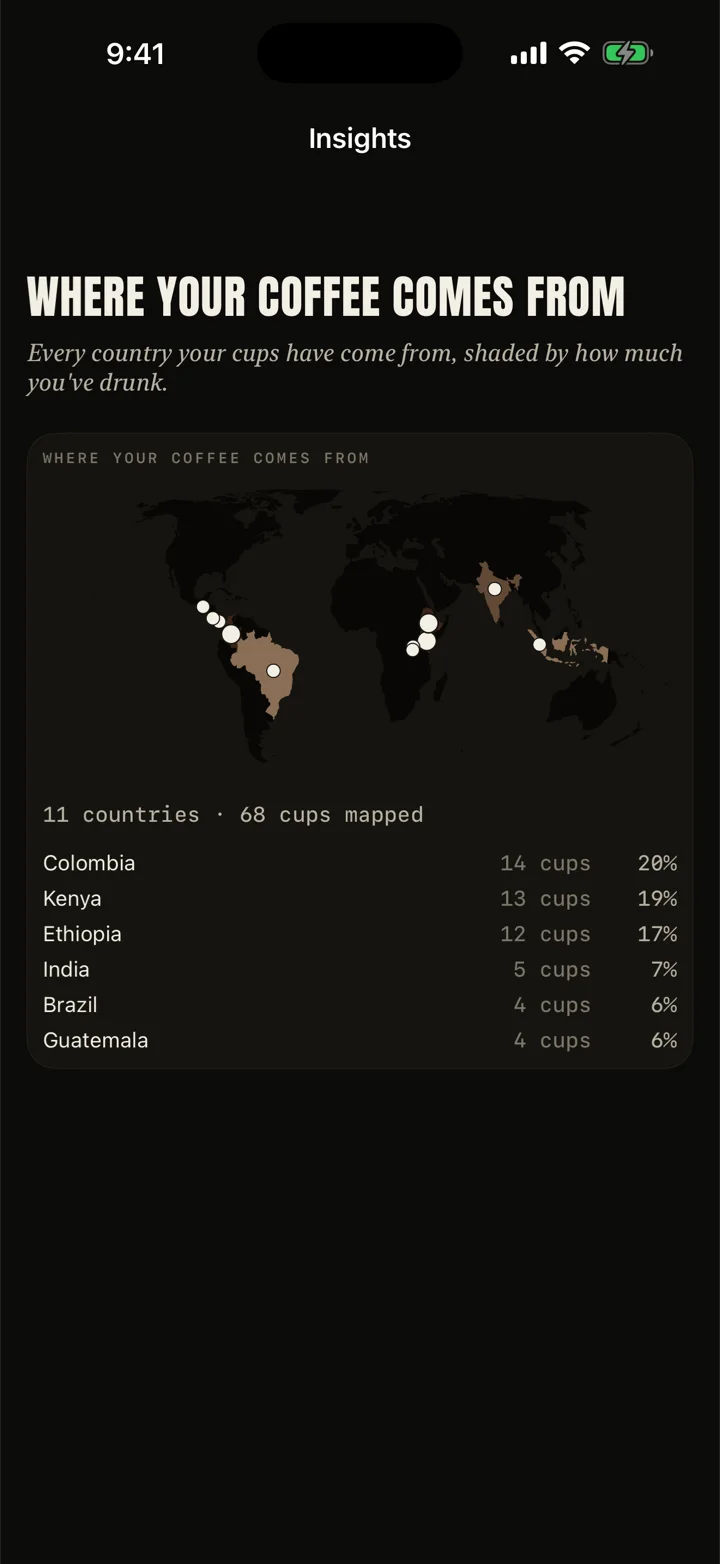
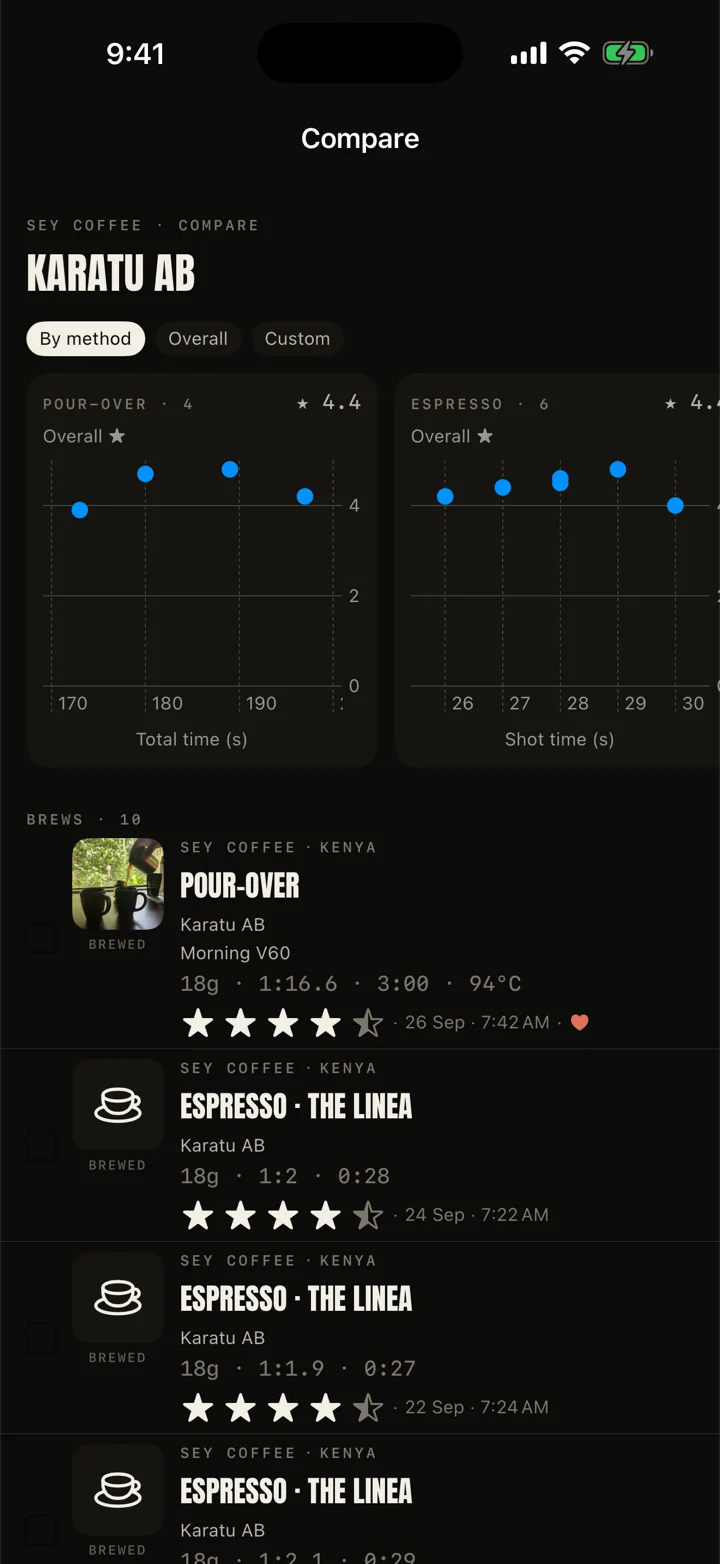
After a few weeks the entries start to mean something. See your taste move over time, compare a bag across methods, find the ratio your best shots share, and see every country your coffee came from on a map. Nothing is a score against anyone else.
Crease
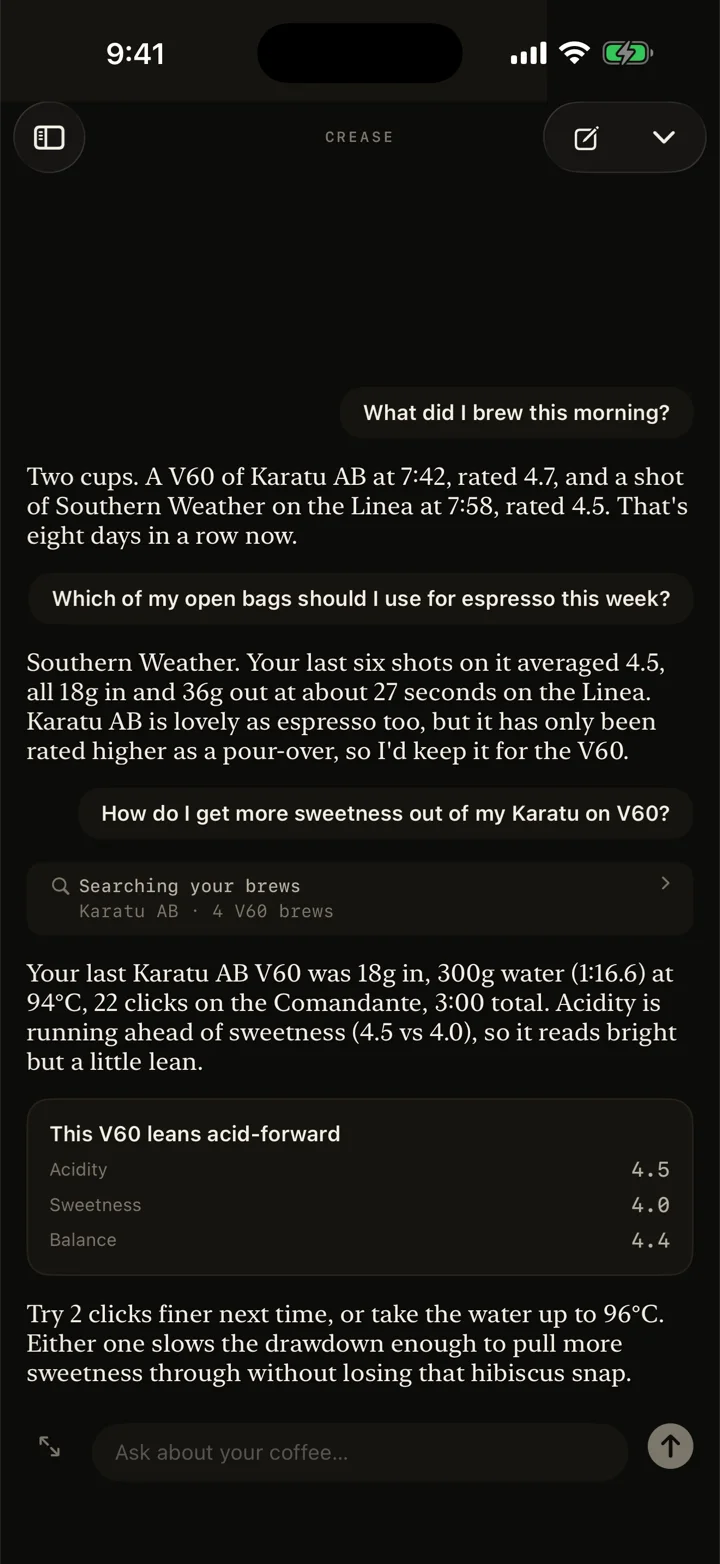
Ask about your own coffee.
Crease is a coffee companion that has read your journal. Ask why yesterday's cup was sour, what to change on a new bag, or for a recipe that suits the coffee you just opened. It answers with your own numbers, not generic advice.
Circle
A small circle, if you want one.
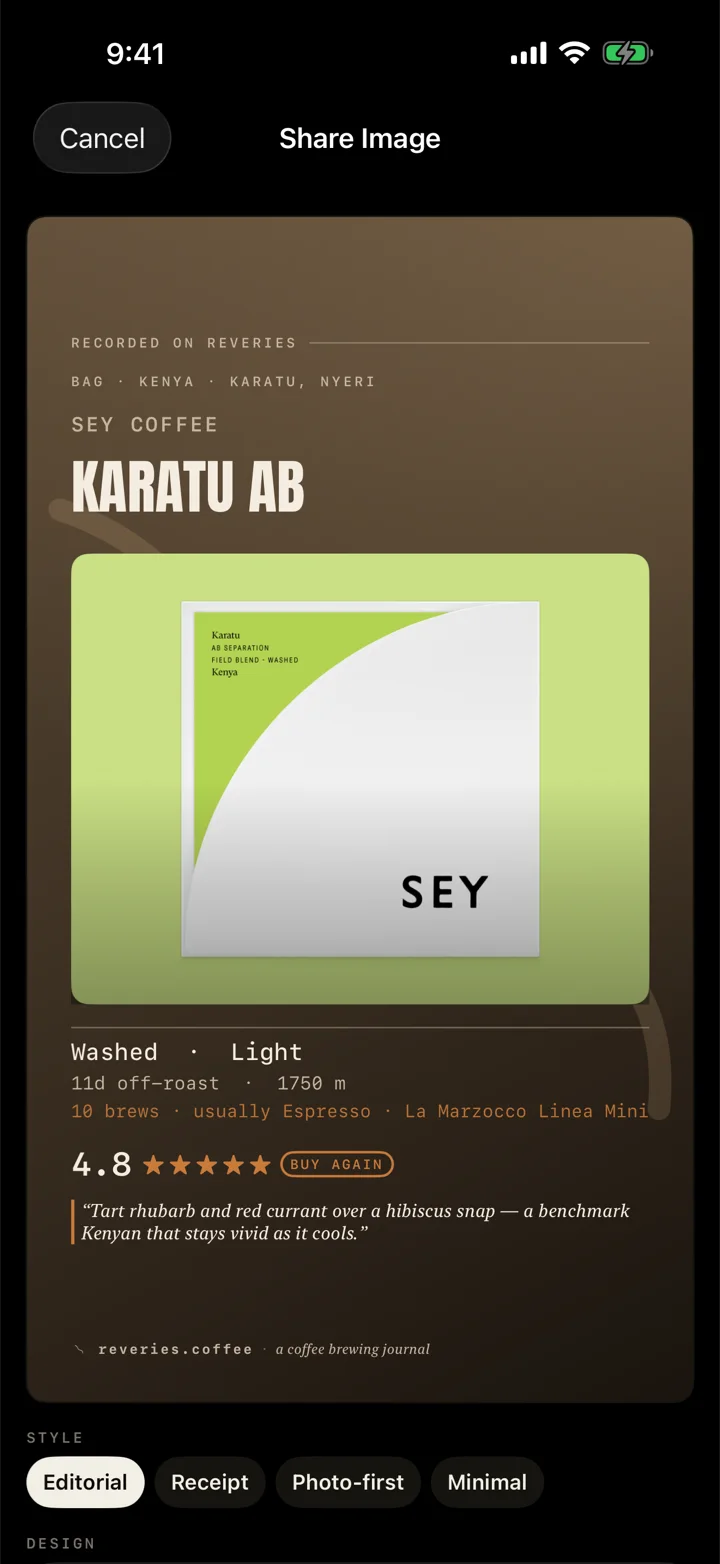
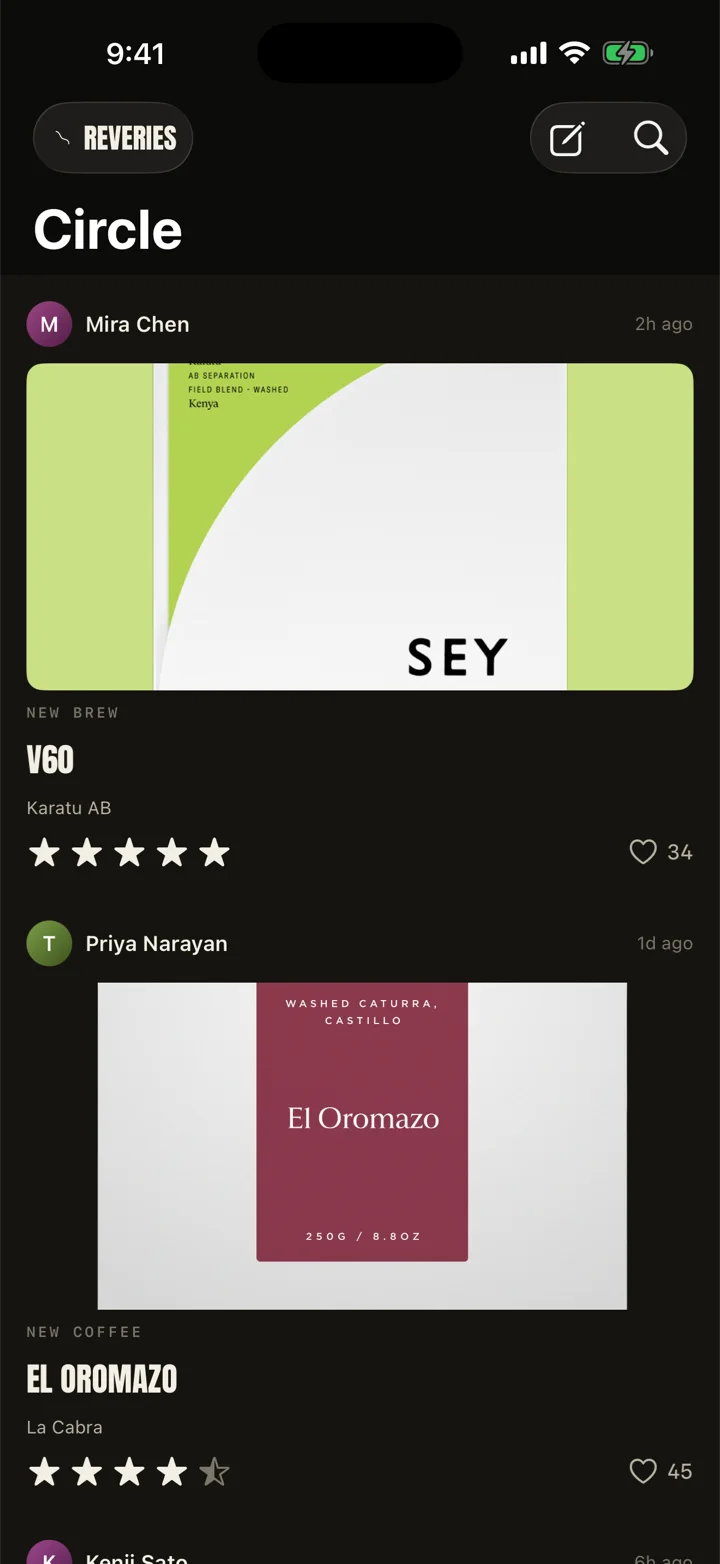
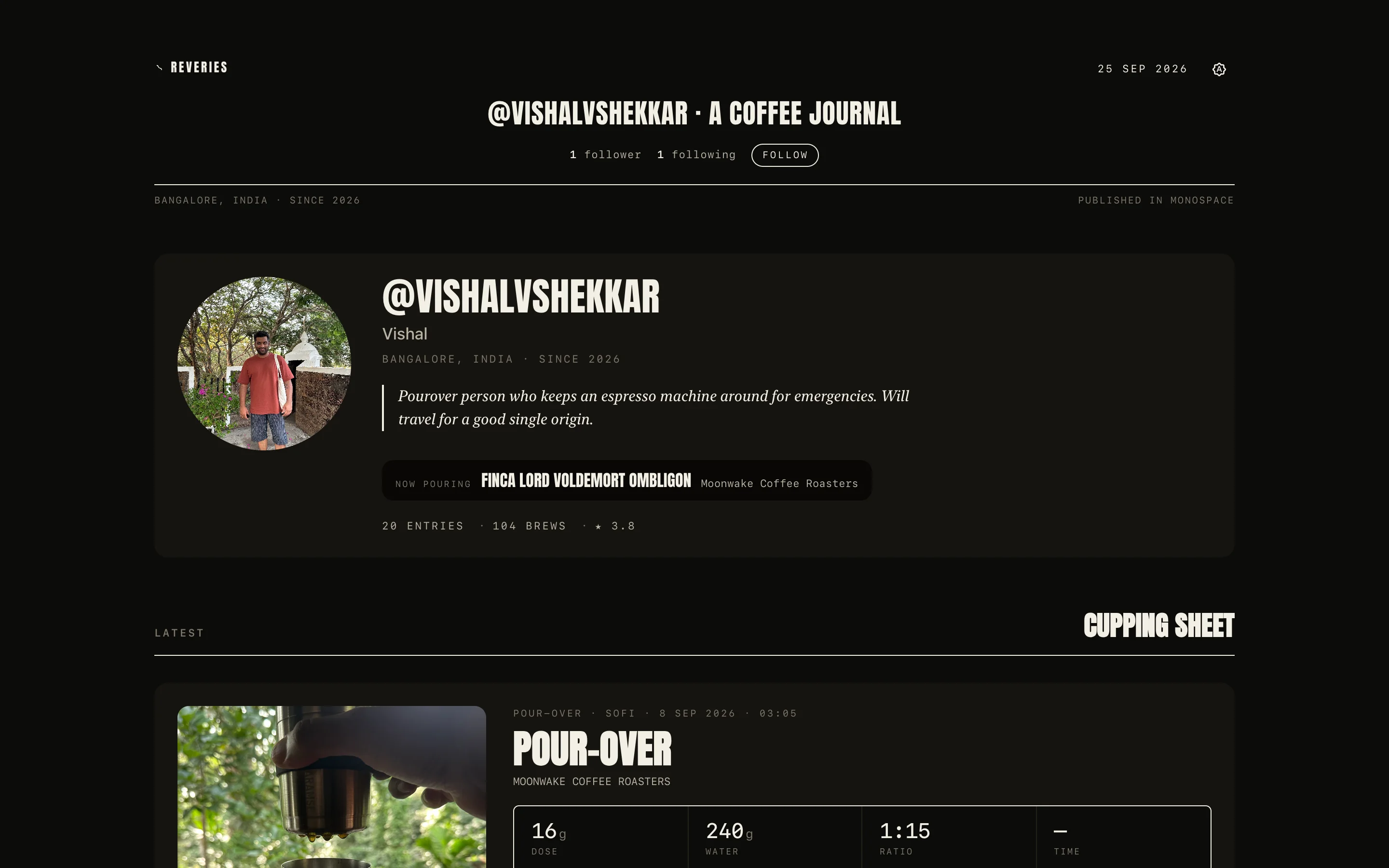
Follow a few friends and see what they are brewing. Like a cup, borrow a recipe, find a new roaster. What you make public also lives on your own page at reveries.coffee, so you can share a link with anyone. No ads, and no algorithm deciding who sees what.
Private by default
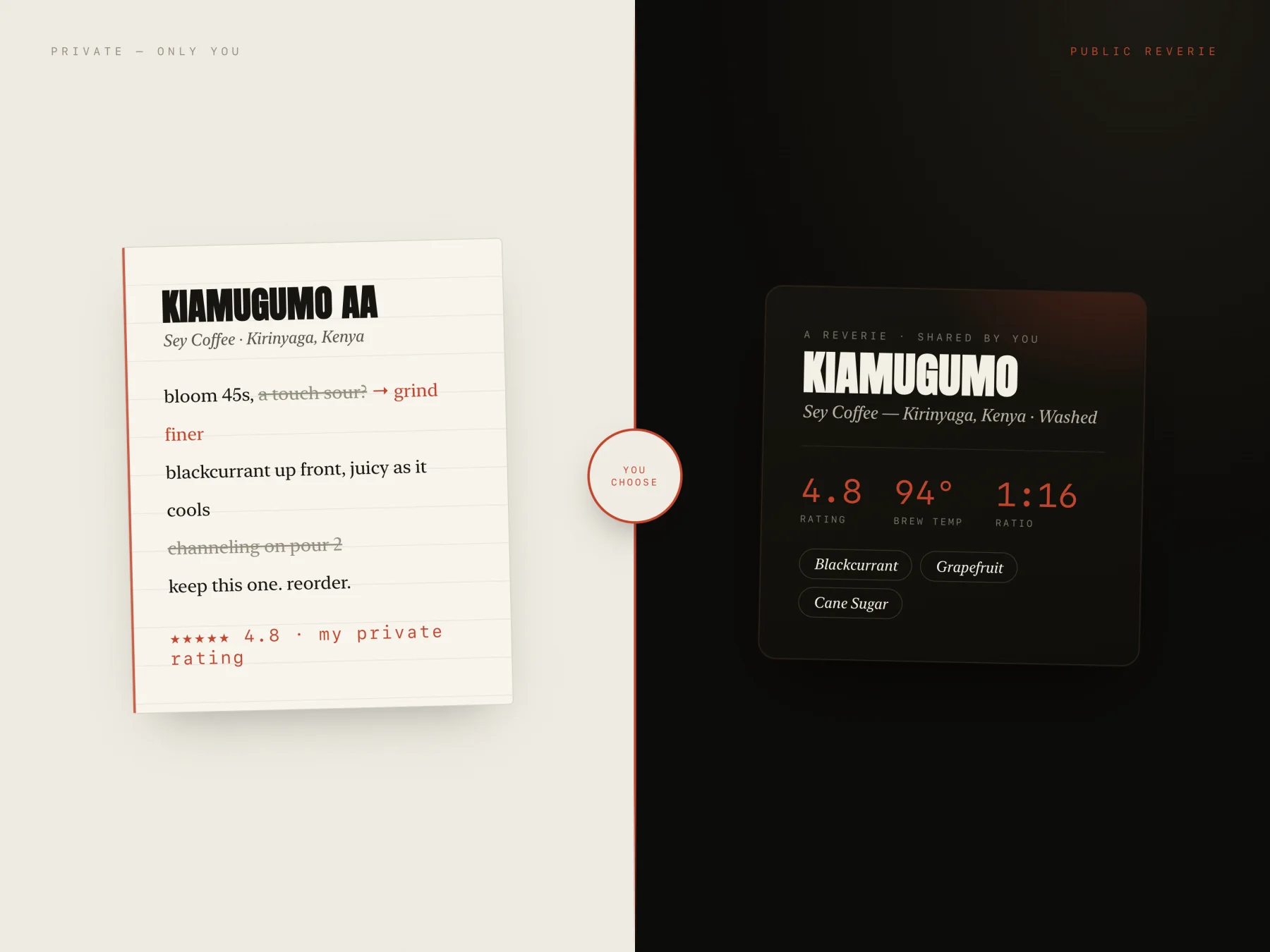
Yours until you share it.
Your journal syncs to your account, so it is on your iPhone and on the web. Nobody else sees any of it. For each kind of entry you choose Public or Private, and any single brew, coffee or recipe can go the other way. Export everything whenever you want.
Public beta
Try it on your iPhone.
Reveries is in public beta through TestFlight. Leave your email and I will send you the link.
Join the betaQuestions: hello@reveries.coffee · Beta feedback: feedback@reveries.coffee